Start here
Cepe PaperWhat Is Cepe Paper? A Complete Guide
Cepe Paper is an all-in-one document studio for writing, slides, spreadsheets, and PDFs — with optional Cloud Sync, Cepe AI, and Cepe Sign on eligible plans.
Cepe Team6 min read
Read article
Blog
How-to articles for documents, presentations, spreadsheets, and PDFs. Browse by topic or search.
Start here
Cepe PaperCepe Paper is an all-in-one document studio for writing, slides, spreadsheets, and PDFs — with optional Cloud Sync, Cepe AI, and Cepe Sign on eligible plans.
 Documents
Word is still the default for many teams. Here is a fair look at Google Docs, LibreOffice Writer, Apple Pages, and Cepe Paper — and when to stay with Word.
Read article PDFs
PDFsSend or complete a PDF signature in the browser with Cepe Sign — a review link, comments, and a signed PDF, without Acrobat or a printed page.
Read article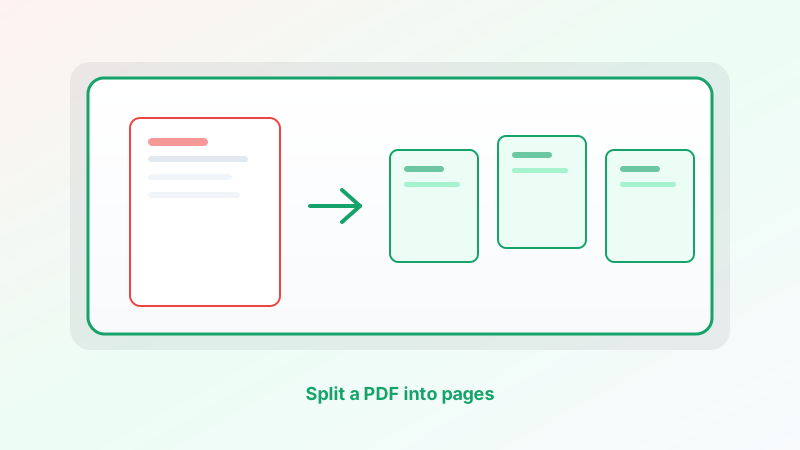 PDFs
PDFsPull one page or every page out of a PDF with Cepe Paper PDF tools — split by each page or by a page range, then save the new files.
Read article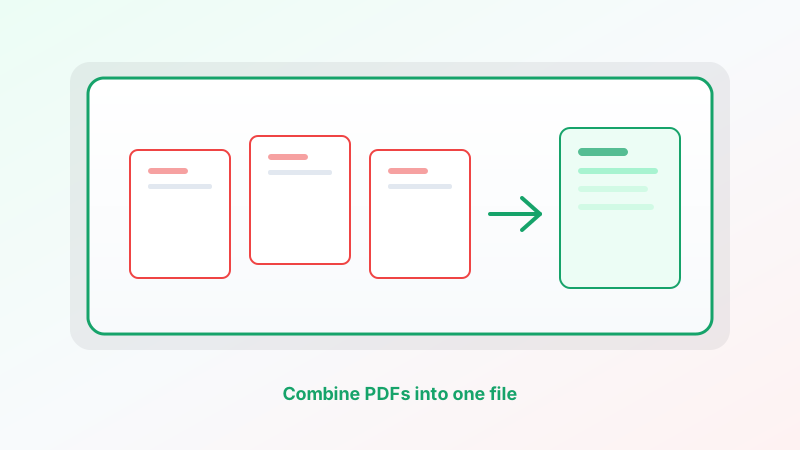 PDFs
PDFsMerge cover letters, exhibits, and scans into one PDF with Cepe Paper PDF tools — then proof the page order before you send it.
Read article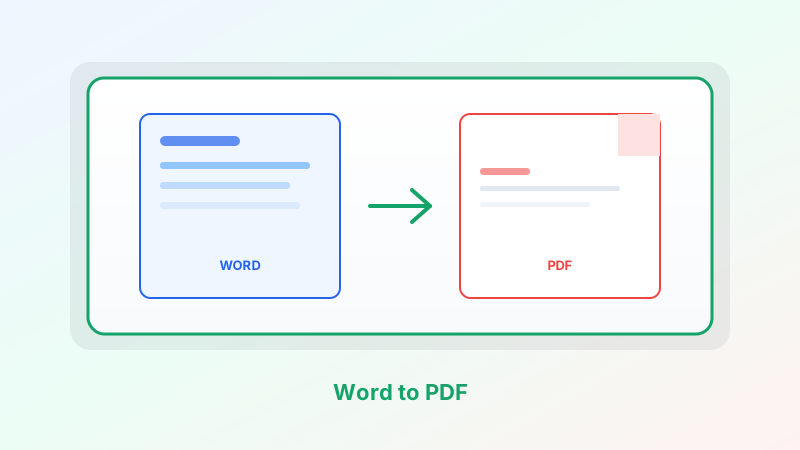 PDFs
PDFsOpen a .docx or a Cepe Paper document, check the pages, and export a PDF anyone can open — in the browser or on the desktop.
Read article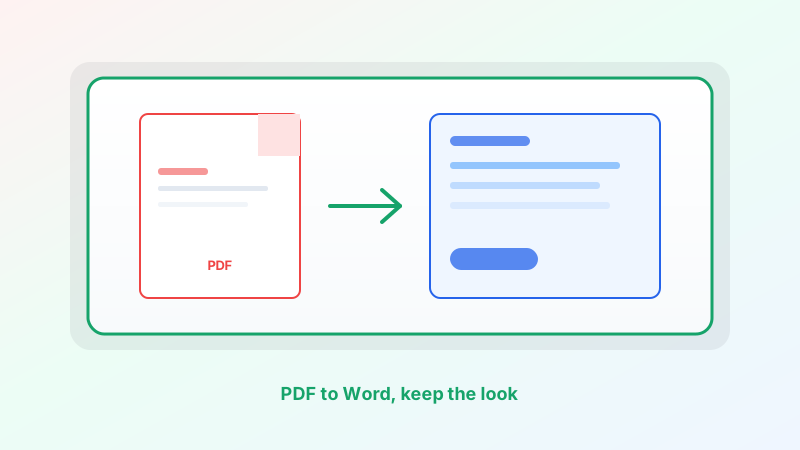 PDFs
PDFsTurn a PDF into an editable Word-style document in Cepe Paper — then export .docx — without treating conversion as a magic copy of the original page.
Read article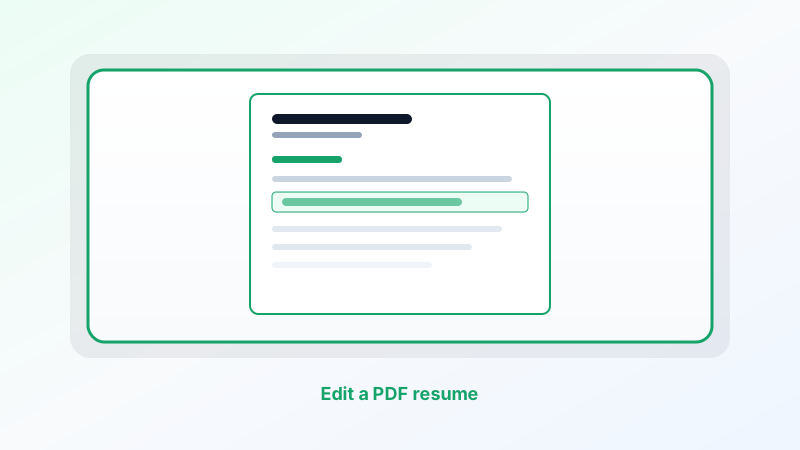 PDFs
PDFsUpdate a date, title, or bullet on a one-page PDF resume without starting over. Edit the Cepe Paper source when you can, or make a short in-place swap.
Read article PDFs
PDFsSwap a logo, photo, or chart without rebuilding the whole page. Edit the Cepe Paper source when you can, or replace the picture in PDF tools and keep the same frame.
Read article PDFs
PDFsKeep headings, columns, and page breaks where they are. Change only the words — by editing the source when you can, or making short in-place swaps in Cepe Paper.
Read article PDFs
PDFsMost PDF edits do not need Acrobat. Recreate the source in Cepe Paper, export a fresh PDF, or use PDF tools and Cepe Sign in the same studio.
Read article Cepe Paper
LibreOffice is a free, offline desktop suite. Cepe Paper is a modern document studio with cloud, CAI, and signatures. Here is how they compare.
Read article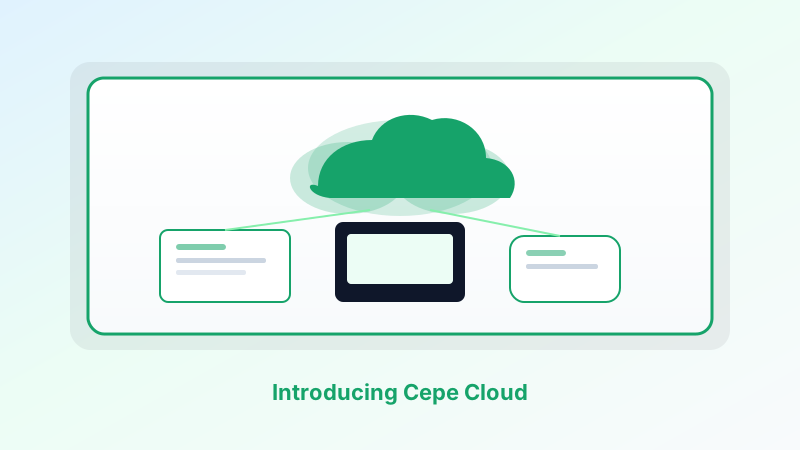 Cepe Paper
Save Cepe Paper projects to Cepe Cloud and continue on another device — desktop or browser — without emailing yourself a copy.
Read article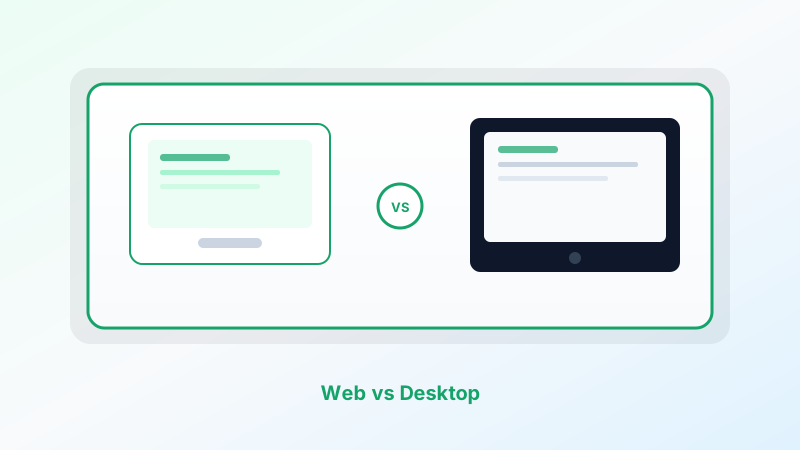 Cepe Paper
Same document studio, two ways to open it. Here is when to use Cepe Paper in the browser, when to install the desktop app, and when to use both.
Read article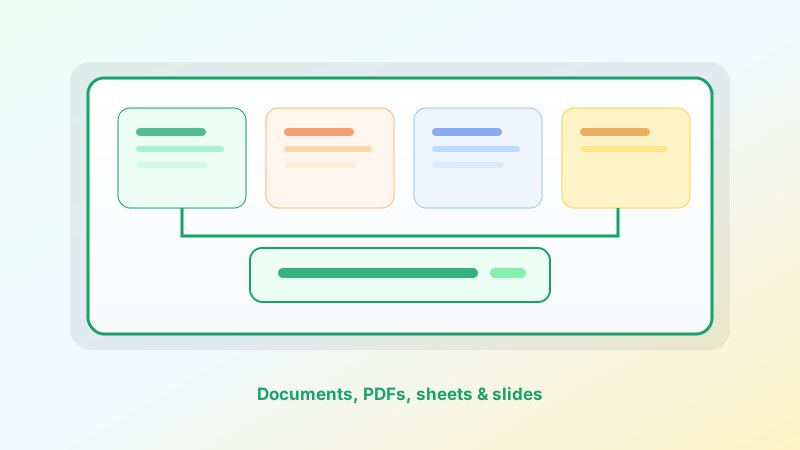 Cepe Paper
One studio instead of four apps: how Cepe Paper keeps writing, numbers, slides, and PDF export in the same project.
Read article Cepe Paper
From a one-page letter to a signed PDF — ten practical ways to use the Cepe Paper document studio today.
Read article Cepe Paper
Create a free account, open the studio in the browser or on desktop, and finish your first document, sheet, deck, or PDF in one place.
Read article Cepe Paper
Google Workspace is a browser-first workplace. Cepe Paper is a focused document studio. Here is how to choose — or how to use both.
Read article Cepe Paper
Microsoft 365 is a full workplace suite. Cepe Paper is a focused document studio. Here is how they differ — and who each one is for.
Read article Cepe Paper
We built Cepe Paper because writing, slides, spreadsheets, and AI should live in one workspace — not a pile of disconnected apps.
Read article Cepe Paper
A faster editor, smarter templates, and optional Cloud Sync—create documents, decks, and spreadsheets in one studio.
Read article Templates
Ship polished decks faster with templates designed for QBRs, pitches, training, and status updates.
Read article Guides
HTTPS/TLS in transit, account isolation, Cepe Cloud access, and CAI that only sees what you send — how Cepe Paper protects work on the web and desktop.
Read articleHow-to articles from the Cepe team. Unsubscribe anytime.
By subscribing, you agree we may email you about Cepe products and updates. See our Privacy Policy.