 PDFs
PDFsCepe Team3 min read
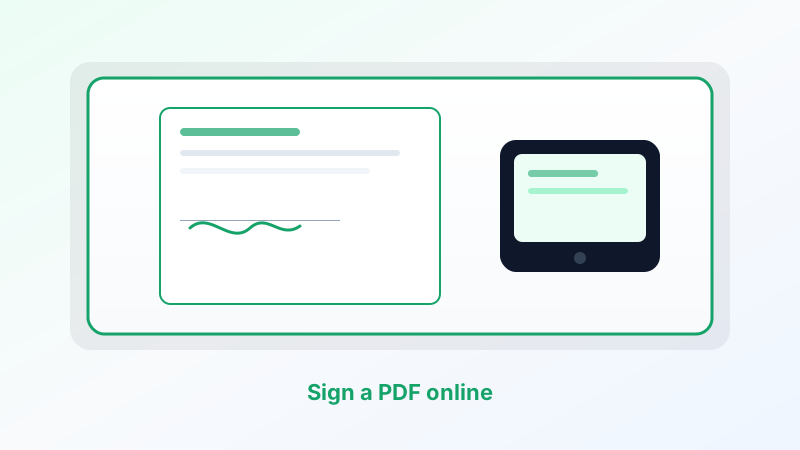
How to Sign a PDF Online
Send or complete a PDF signature in the browser with Cepe Sign — a review link, comments, and a signed PDF, without Acrobat or a printed page.
Read article
Blog
Edit, convert, merge, split, and sign PDFs in Cepe Paper.
PDFsSend or complete a PDF signature in the browser with Cepe Sign — a review link, comments, and a signed PDF, without Acrobat or a printed page.
Read article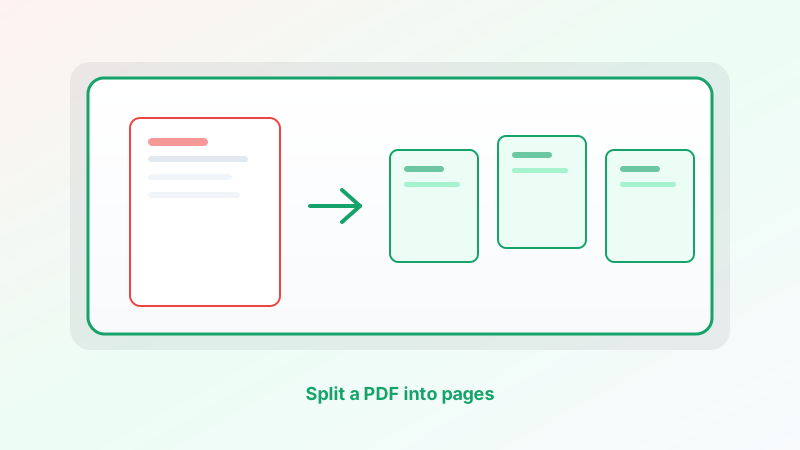 PDFs
PDFsPull one page or every page out of a PDF with Cepe Paper PDF tools — split by each page or by a page range, then save the new files.
Read article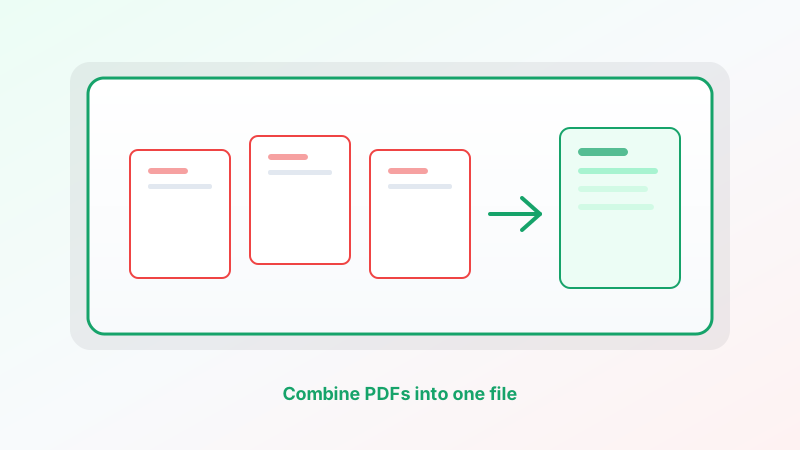 PDFs
PDFsMerge cover letters, exhibits, and scans into one PDF with Cepe Paper PDF tools — then proof the page order before you send it.
Read article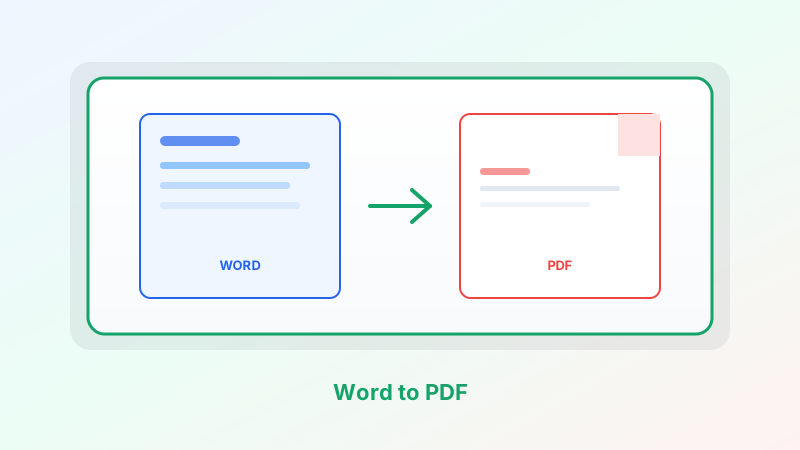 PDFs
PDFsOpen a .docx or a Cepe Paper document, check the pages, and export a PDF anyone can open — in the browser or on the desktop.
Read article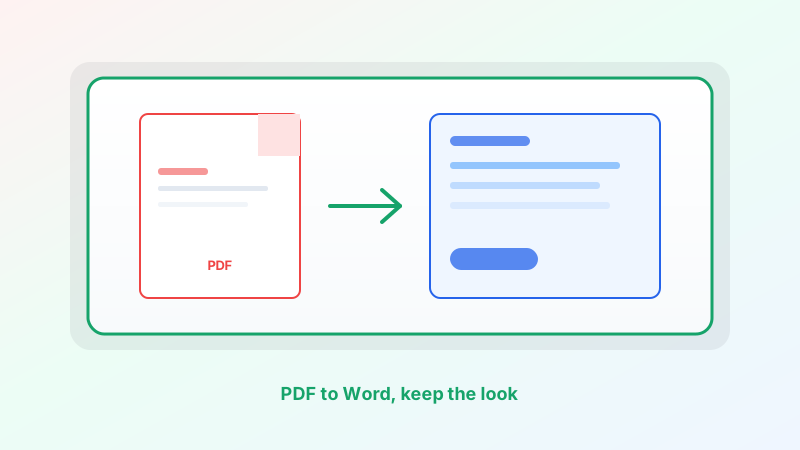 PDFs
PDFsTurn a PDF into an editable Word-style document in Cepe Paper — then export .docx — without treating conversion as a magic copy of the original page.
Read article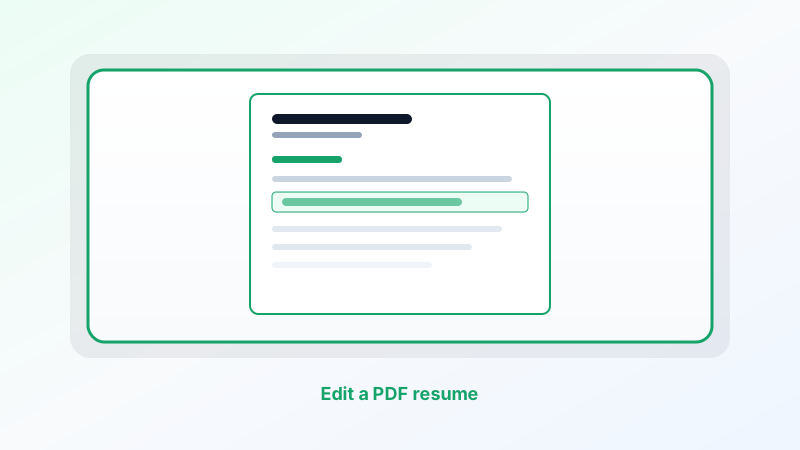 PDFs
PDFsUpdate a date, title, or bullet on a one-page PDF resume without starting over. Edit the Cepe Paper source when you can, or make a short in-place swap.
Read article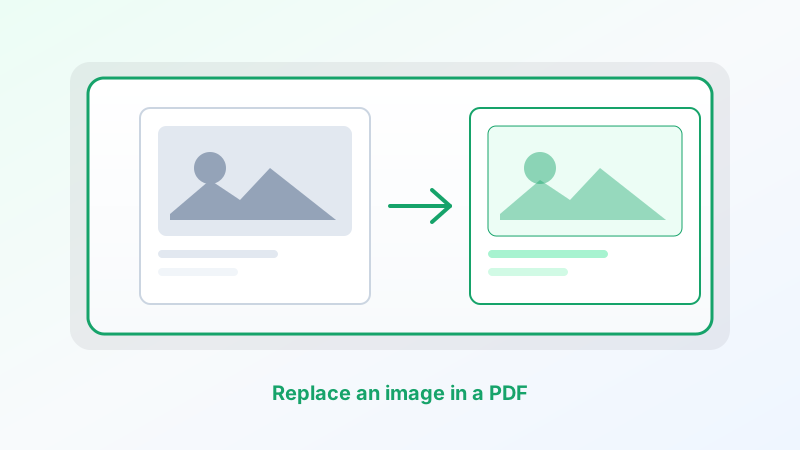 PDFs
PDFsSwap a logo, photo, or chart without rebuilding the whole page. Edit the Cepe Paper source when you can, or replace the picture in PDF tools and keep the same frame.
Read article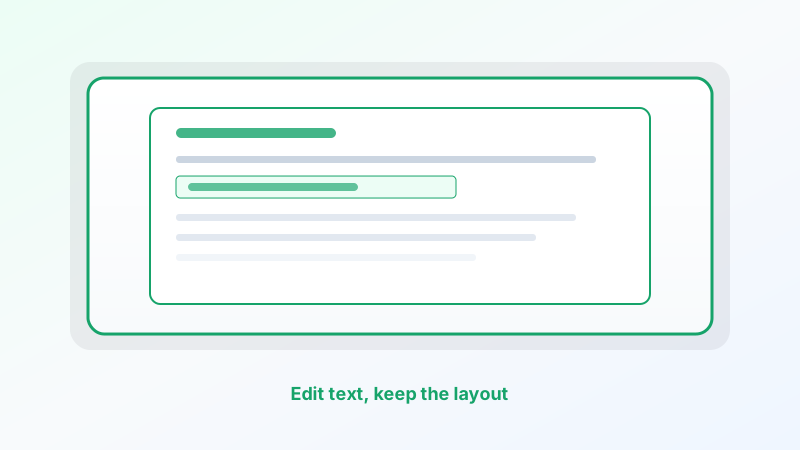 PDFs
PDFsKeep headings, columns, and page breaks where they are. Change only the words — by editing the source when you can, or making short in-place swaps in Cepe Paper.
Read article PDFs
PDFsMost PDF edits do not need Acrobat. Recreate the source in Cepe Paper, export a fresh PDF, or use PDF tools and Cepe Sign in the same studio.
Read articleHow-to articles from the Cepe team. Unsubscribe anytime.
By subscribing, you agree we may email you about Cepe products and updates. See our Privacy Policy.