
How to Combine Multiple PDFs Into One File
Merge cover letters, exhibits, and scans into one PDF with Cepe Paper PDF tools — then proof the page order before you send it.
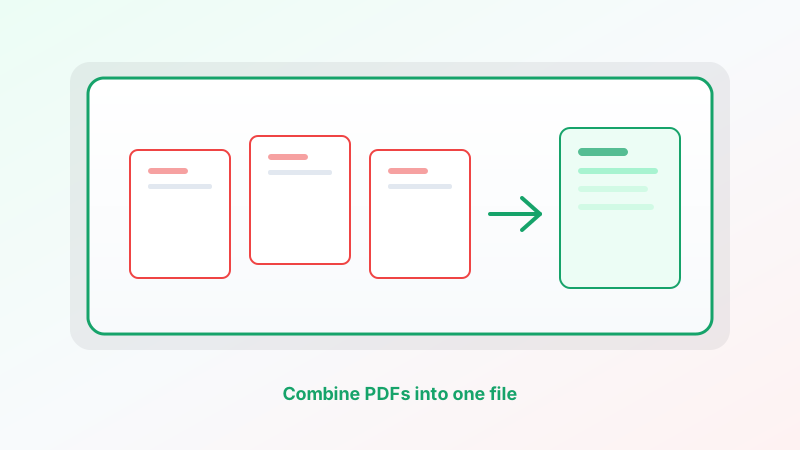
A packet is easier to send than five attachments. Combining PDFs means: one file, pages in the right order, nothing rewritten.
You do not need Acrobat for that. Cepe Paper’s PDF tools include Merge — combine multiple PDF files into one document.
Get the files ready
Put the PDFs you want in one place. Name them so the order is obvious, or keep a short list: cover, body, appendix.
Merge does not redesign the pages. It stacks files in the order you pick. If page 1 of file B should appear before file A, choose B first.
Password-protected files need to be unlocked (or opened with the password) before a typical merge. If merge fails, check that each file opens on its own.
Merge in Cepe Paper
Open Cepe Paper in the browser or the desktop app. Open PDF tools and choose Merge.
Select the PDF files you want to combine. Confirm the order. Run the merge and save the new file.
Open the result and scroll. Check that the cover is first, that no file was skipped, and that the last page is the last exhibit — not a leftover blank from someone else’s export.
You can do this without opening each PDF as a project. Merge is a tool, not a full rebuild.
Order, size, and names
Order is the whole job. A signed signature page in the middle of the narrative is how packets get rejected. If the order is wrong, merge again. It is faster than rearranging by hand in email.
Size grows with every file. A stack of photo-heavy scans will be large. If the combined PDF is too big for email, use Compress in the same PDF tools, or send a Cepe Cloud / Sign link instead of attaching 40 MB.
Name the output clearly: “Proposal-packet.pdf”, not “merge-final-2”. The recipient will forward that name.
When merge is the wrong tool
If the pieces are still Word documents or decks, export each to PDF first, then merge. Combining “almost PDFs” in email is how formatting drifts.
If you only need pages 3–5 of a 20-page file, Split (by range) first, then merge the pieces you actually want.
If someone must sign the packet, merge first, then send the one file with Cepe Sign. Signing five files and stapling them later is how pages go missing.
Do not merge files you have not opened. A wrong exhibit in the middle is still your packet.
A short workflow
Collect the PDFs. Open PDF tools in Cepe Paper. Merge in the right order. Open the new file and check every section. Compress or Sign if you need to send it.
That is how to combine multiple PDFs into one file: stack the pages, prove the order, and send one attachment — not a thread of near-misses.