
Introducing Cepe Cloud: Access Your Files Anywhere
Save Cepe Paper projects to Cepe Cloud and continue on another device — desktop or browser — without emailing yourself a copy.
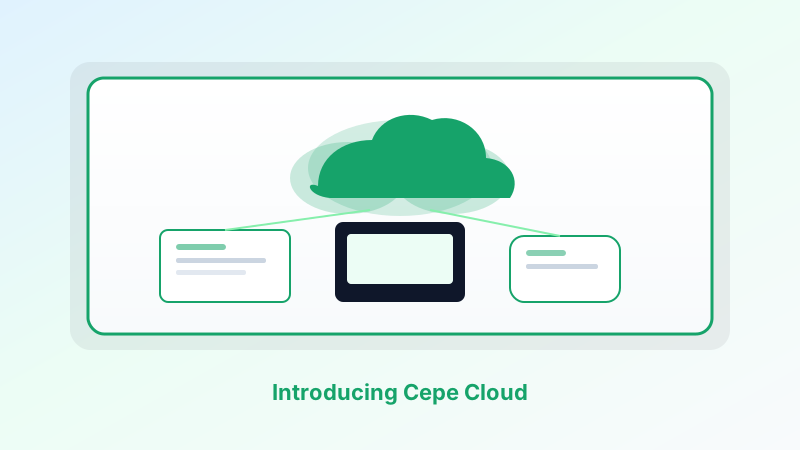
A document should follow you. Not as an attachment you hope is the latest, and not as a USB stick you left on another desk. Cepe Cloud is how Cepe Paper projects move with your Cepe account — from the desktop app to the browser, and back again.
You can still keep work local. Cloud is a choice, not a lock-in. When you are ready, save the project and open it wherever you sign in.
What Cepe Cloud is
Cepe Cloud is the file layer behind Cepe Paper. It stores the documents, decks, sheets, and PDFs you choose to sync, scoped to your account, and available from the member dashboard and the studio.
It is not a second product you learn from scratch. It is the same project you were already editing, reachable on another device.
Local projects stay on the machine until you upload. Synced projects follow the account, within the storage that comes with your plan.
Start on one device, finish on another
Write a proposal on the Windows or Mac desktop app. Open Cepe Paper in the browser at a client site and export the PDF. Send it for Cepe Sign. Continue the next morning on Linux or in a tab.
That path only works if the file is not trapped in one install. Cepe Cloud is the handoff. Web versus desktop becomes a preference about the window, not a fork in the file.
If the network is down, keep working locally and sync when you are back. The studio is built for both habits.
Storage that grows with the plan
Every signed-in Cepe account includes Cepe Cloud storage. The Free plan starts at 500 MB for files you choose to upload. Automatic cross-device Cloud Sync starts on Creator. Professional includes 100 GB. Business includes 1 TB and team workspaces. Enterprise can add unlimited storage options.
You are not required to fill the quota on day one. Use local projects until a file needs to travel, then save that project to the cloud.
Visit the pricing page on Cepe for current limits and billing terms.
Versions, teams, and the copy you meant to keep
Paid plans add version history so an earlier draft is not gone because someone hit save. That is the usual reason people stop emailing “final-v4-really-final.”
Business and Enterprise add shared folders, team workspaces, and permissions. The shared copy lives in one place instead of four inboxes. Activity Tracker, where your plan includes it, is about visibility into document work — not screen recording.
Traffic uses HTTPS/TLS. Member files and profiles are scoped to your account with row-level security where applicable. We do not treat Cepe Cloud as a public drive.
How to turn it on
Create a free Cepe account if you do not have one. Open Cepe Paper in the browser or install the desktop app. Start a document, deck, or sheet. When you want it on another device, save the project to Cepe Cloud from the studio or your dashboard.
From there, sign in anywhere you use Cepe Paper and pick up the same work. Upgrade when you need more storage, history, signatures, or CAI — not because a local file stopped being allowed.
Access from anywhere, on your terms
Cepe Cloud exists so “anywhere” is literal: home desk, borrowed laptop, phone-sized browser window for a quick check, then back to the installed app.
Keep files local when that is the right call. Sync when the work has to move. That is introducing Cepe Cloud — access your files anywhere, without giving up the studio you already opened.