
How Cepe Paper Brings Documents, PDFs, Spreadsheets and Presentations Together
One studio instead of four apps: how Cepe Paper keeps writing, numbers, slides, and PDF export in the same project.
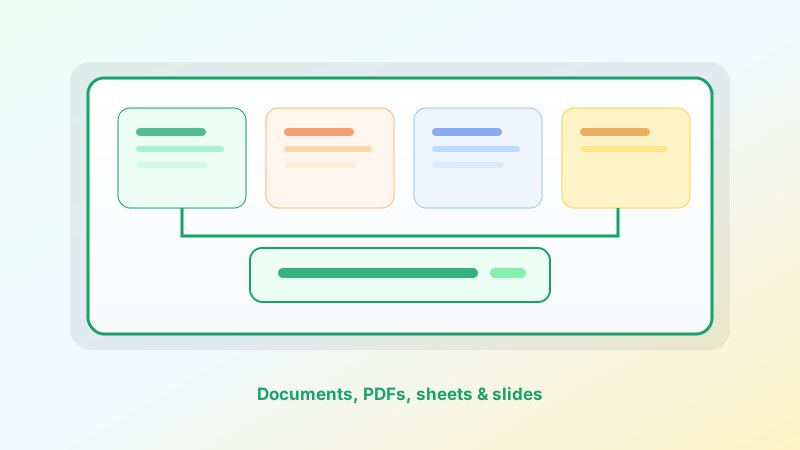
Most work does not stay in one format. A written brief needs a table. The table becomes a slide. The slide becomes a PDF you send for review. In a traditional suite, that path is four apps, three exports, and a folder of copies with almost the same name.
Cepe Paper is built so those formats live in one document studio. You switch between word-style documents, spreadsheets, presentations, and PDF tools without leaving the project — then pick up the same work in the browser or on desktop when cloud sync is on.
This is how the pieces fit, and why they belong together.
One studio, four modes
Cepe Paper is not four products that share a logo. It is one workspace with four ways to finish the same job.
Documents are for narrative: proposals, reports, letters, and anything that has to read well. Spreadsheets hold the numbers that support that story. Presentations take the story into the room. PDFs are the portable version — print-ready, easy to email, ready for Cepe Sign.
You stay in Cepe Paper while the shape of the work changes. The point is fewer context switches, not a longer toolbar.
Documents: the story
Start with a blank page or a template. Structure the argument, refine the language, and keep the file next to the tracker and the deck that will use it.
On Professional and above, CAI can draft, rewrite, or summarize in the same editor. It only receives the content you send. That keeps writing assistance inside the document instead of in a separate chat tab you have to paste back from.
When the narrative is ready, you do not have to “leave Word” to build the slides. You change mode.
Spreadsheets: the numbers
Invoices, budgets, KPI tables, and project trackers belong beside the memo they support. Cepe Paper’s sheet mode is for the calculations and lists you reach for every week — not a promise to clone every specialist workbook on earth.
A quarterly review is the usual example. The written summary and the numbers can live in one studio. You update the sheet, then carry the same figures into the deck instead of screenshotting a third-party file and hoping it is still current.
Presentations: the room
Slides are how the work travels. Templates for pitches, QBRs, training, and launches give you structure. Customize the story, present live, or export when you need a handout.
Because the deck sits next to the document and the sheet, you spend less time rebuilding the same outline in a second app. The narrative you already wrote becomes the spine of the slides.
PDFs: the file that travels
PDF is the format other people can open without installing your editor. Export when you need print, email, or a review copy. PDF tools stay in the same studio so the last mile is not another download.
Cepe Sign continues that path. Send a review link for comments and signatures, then keep the signed PDF with the project instead of hunting through an inbox.
How a real project moves
Imagine a client proposal. You draft the letter in document mode. You price the work in a sheet. You build a ten-slide pitch from a template. You export a PDF and send it for signature.
In a split suite, each step is a new file. In Cepe Paper, it is one project changing shape. Cloud sync lets you start on the desktop and finish in the browser. Version history on paid plans helps you recover the draft you meant to keep. Team workspaces on Business keep the shared copy in one place.
Templates shorten the first hour. CAI shortens the blank page. Signatures close the loop. None of that requires a different product for each format.
Who this is for
Students can write, calculate, and export without buying a workplace suite. Freelancers can keep a proposal, invoice, and signed agreement in one studio. Teams can share the project instead of emailing four attachments.
If you only ever live in one format, a single-purpose app can be enough. If your week crosses writing, numbers, slides, and PDFs, a unified studio is the difference between finishing and filing.
Get started in one place
Create a free Cepe account, open Cepe Paper online or download the desktop app, and start from a template or a blank document. Add a sheet when the numbers appear. Build slides when you need the room. Export a PDF when the work has to travel.
That is how Cepe Paper brings documents, PDFs, spreadsheets, and presentations together — not as four islands, but as one studio for the whole path.